A suspended Google Business Profile is a stressful, revenue-impacting situation - but it's also a diagnosable and usually recoverable one. This guide walks through exactly why suspensions happen to London, Ontario businesses, the specific reinstatement process, and how to prevent it from happening again, so you can move from panic to a clear action plan as quickly as possible.
Soft suspension versus hard suspension
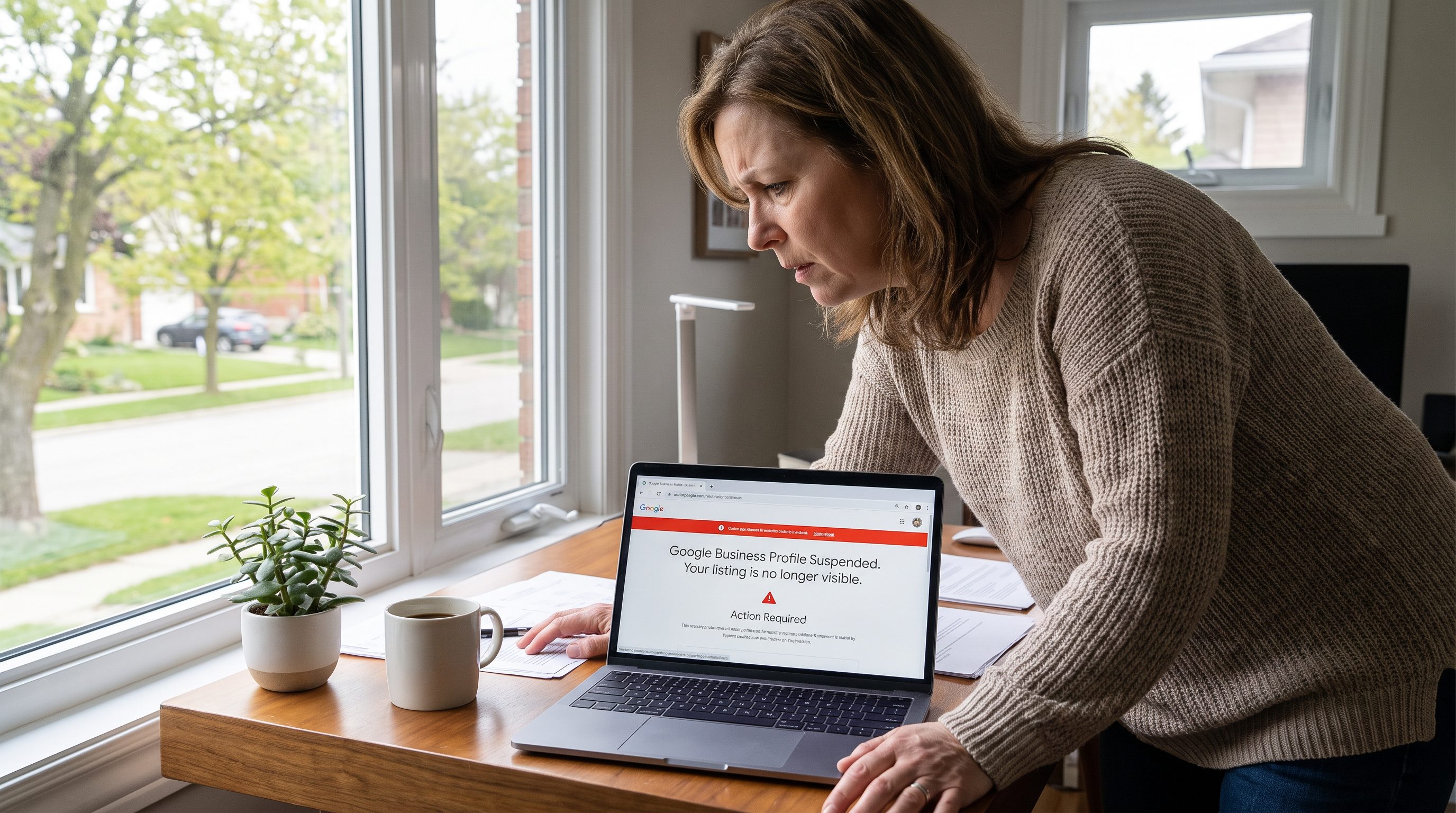
Google Business Profile suspensions fall into two general categories, and understanding which applies to you affects the right response. A soft suspension removes your listing from public search results and Maps but preserves your dashboard access - you can still log in, view your data, and submit an edit or reinstatement request. A hard suspension removes dashboard access entirely, typically reserved for more serious or repeated guideline violations, and requires a more formal reinstatement request process through Google's support channels rather than a simple in-dashboard fix.
Most legitimate London, Ontario businesses experiencing suspension for the first time face a soft suspension resulting from an address, naming, or duplicate listing issue - these are generally the most straightforward to resolve once the underlying cause is identified and corrected.
The most common suspension triggers
Using a fake, virtual, or PO box address
This is the single most common suspension trigger among London home-based service businesses. Google requires a genuine physical location where the business actually operates. A home-based plumber or cleaner using a mailbox service or virtual office address to appear more established violates this directly and is increasingly detected by Google's verification systems.
Keyword stuffing the business name
Adding services or location keywords to your business name beyond your actual legal name - "Smith Plumbing - Best Plumber London Ontario Emergency Repair" instead of simply "Smith Plumbing" - is a direct guideline violation that frequently triggers suspension, even though it might seem like a harmless SEO tactic.
Duplicate listings
Business moves, rebrands, or previous ownership changes can leave multiple Google Business Profile listings for the same physical business. Google's systems detect this and may suspend one or both listings until the duplication is resolved.
Category misuse
Selecting categories that don't genuinely reflect your business - adding unrelated categories purely to appear in more searches - can trigger a review and potential suspension, particularly if the mismatch is significant.
Review manipulation
Buying reviews, incentivizing reviews in exchange for discounts, or asking employees to post reviews as if they were customers all violate Google's policies and can result in suspension, in addition to the offending reviews being removed.
Unverified ownership changes
Transferring primary ownership of a listing without going through Google's proper verification process can trigger a suspension while Google confirms the legitimacy of the change.
How to check your suspension status
Log into business.google.com and check your dashboard for a suspension notice. Search your business name directly on Google - a suspended listing typically disappears from search results and Google Maps entirely. Check your email for a notification directly from Google explaining the specific reason, if one was provided.
The reinstatement process, step by step
- Identify the specific violation. Review Google's Business Profile guidelines carefully and compare against your listing's setup - address, business name, categories, and review history.
- Fix the underlying issue first. Correct the address, rename the business to match your legal name exactly, remove duplicate listings, or address whatever specific issue applies before requesting reinstatement.
- Submit a reinstatement request through the Google Business Profile support flow, providing clear documentation: business licence, utility bill showing the correct address, or other proof of legitimate operation as requested.
- Be specific and factual in your appeal. Explain what happened, what you've corrected, and provide the requested documentation clearly. Vague or emotional appeals tend to be less effective than clear, factual ones with supporting evidence attached, since the reviewer is looking for verifiable proof rather than a persuasive narrative.
- Wait for review. This typically takes anywhere from a few days to several weeks depending on case complexity and current appeal volume.
How to make your reinstatement appeal as strong as possible
The quality of your reinstatement request materially affects both the speed and success rate of the appeal. Google's support teams review a large volume of appeals, and requests that are clear, specific, and well-documented tend to move through the queue faster than vague or emotional ones. A strong appeal includes:
- A brief, factual explanation of what happened - avoid speculation about why Google flagged the listing and stick to what you know
- Clear documentation proving legitimate business operation: a current business licence, a recent utility bill matching your business address, or municipal registration documents
- Confirmation that the underlying issue has already been corrected, described specifically (e.g., "the business name has been updated to remove additional keywords and now matches our registered legal name exactly")
- Contact information that matches your business records exactly, to avoid introducing a new consistency issue during the review
Avoid submitting multiple appeals in quick succession if you haven't heard back - this can actually slow the process by creating duplicate support tickets. Submit one clear, complete appeal and allow the stated review window to pass before following up.
What to do while your appeal is pending
A suspended listing means lost Map Pack visibility during the appeal period, which can meaningfully affect calls and leads for a local business. While waiting, focus on the channels that remain unaffected: your website's own SEO, any paid search campaigns, and direct outreach to your existing customer base. Avoid the temptation to create a second Google Business Profile in the meantime - this creates the duplicate listing problem covered above and can complicate or delay reinstatement of your original profile.
What happens to your reviews during suspension
In most cases, reviews are preserved when a suspended profile is successfully reinstated, since the underlying listing data isn't deleted - only hidden from public view during the suspension. This is an important reason to pursue reinstatement of your existing listing rather than simply creating a new one, which would start your review count from zero and forfeit years of accumulated trust signals that took real time and effort to build in the first place.
When to get professional help versus handling it yourself
A straightforward first-time suspension with a clear, single cause (an address issue, a keyword-stuffed name) is often manageable to resolve independently by following the steps above carefully. Consider professional help when: the suspension reason isn't clear from Google's notification, a first reinstatement request was denied, the business has multiple locations or a complex ownership history, or the listing has significant accumulated review history and revenue dependency that makes getting the appeal right on the first attempt especially important. The cost of professional guidance is often small relative to the revenue impact of an extended suspension for an actively operating local business.
Preventing future suspensions
Once reinstated, protect your listing going forward with a few consistent practices: use your exact legal business name with no added keywords, ensure your address is genuine and matches your website and citations exactly, never create a second listing for the same business, and build reviews only through legitimate means - asking real customers, never incentivizing or fabricating them. These simple guardrails prevent the vast majority of suspensions seen among legitimate local businesses, and cost nothing beyond the discipline to follow them consistently as your business grows, adds locations, or changes ownership over time.
If your London, Ontario business is currently dealing with a suspended Google Business Profile, our Google Business Profile service can help diagnose the specific cause and manage the reinstatement process. For a broader check of your local SEO health beyond just the suspended listing, start with a free SEO audit that covers your NAP consistency, citations, and website foundation as well.
Related service: Google Business Profile Optimization in London, Ontario →