Plumbers, landscapers, cleaners, electricians, pest control companies, dog groomers who travel to clients - all of these businesses go to the customer rather than the customer coming to them. Setting up a Google Business Profile for this type of business raises a question most people get wrong: should you show your address or hide it? The answer affects your local rankings, your Google Maps visibility, and whether your listing is compliant with Google's rules.
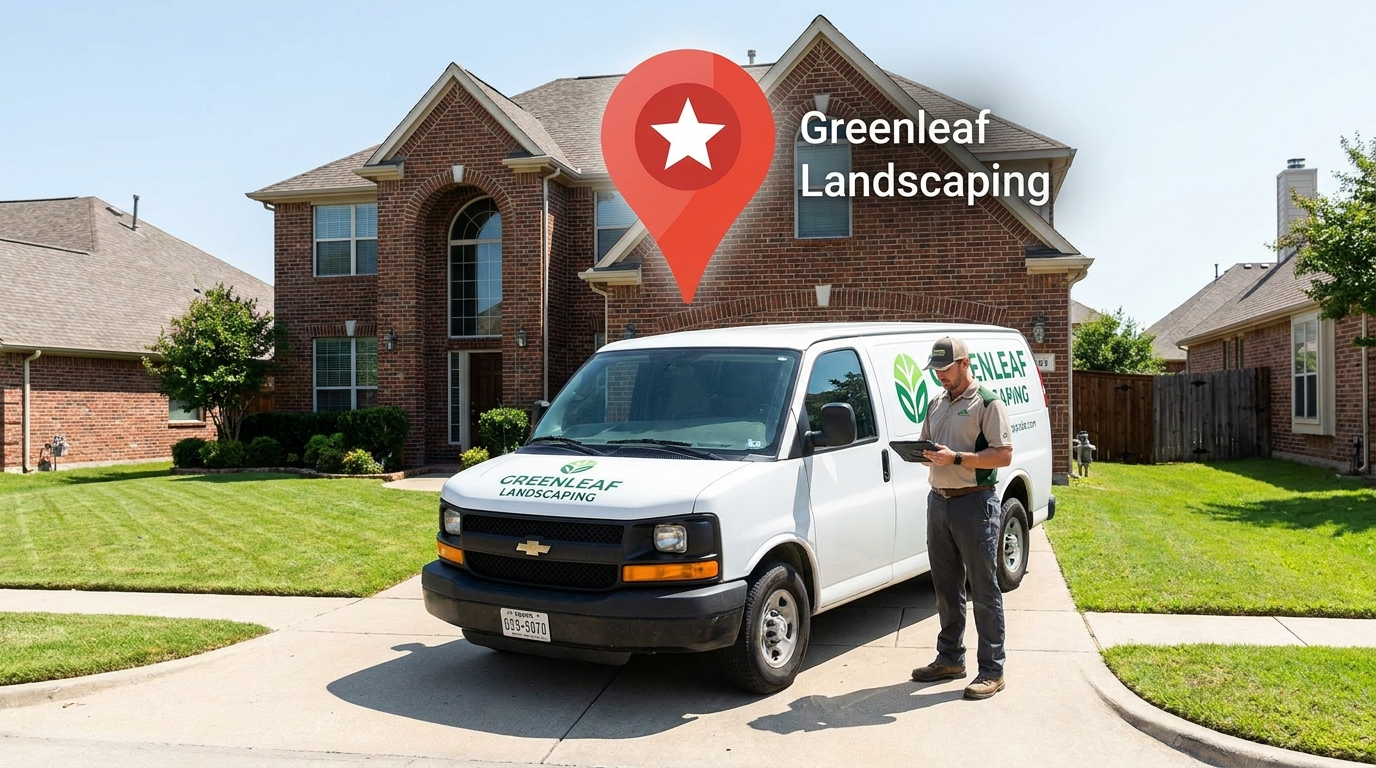
The two types of Google Business Profile
Google Business Profile supports two distinct business models:
Storefront business
A physical location that customers visit: a restaurant, dental office, retail store, gym, law office. Your address is displayed publicly on your GBP and on Google Maps. Customers can get directions to you. Google's distance calculation for local rankings is based on the searcher's location relative to your shown address.
Service-area business (SAB)
A business that serves customers at their location rather than yours: a plumber who visits homes, a caterer who travels to events, a cleaning company that goes to client properties. You enter your location (required for Google's distance algorithm) but can hide your specific address from public view. Instead, you list the geographic service areas you cover.
Some businesses operate as a hybrid - they serve customers at a physical location AND travel to customers' locations (like a caterer with a kitchen showroom, or a pet groomer with both a shop and a mobile unit). These can show both an address and list service areas simultaneously.
How to set up your GBP as a service-area business
- Go to business.google.com and sign in or create your account
- Enter your business name and category
- When asked "Do you want to add a location customers can visit?", select No (for a pure SAB) or Yes (for a hybrid or storefront)
- Enter your actual location - your home address or business address. This is required even if you're hiding it. Google uses this to calculate distance for rankings. Never use a virtual office, PO box, or false address here.
- Enable the option to hide your address if customers don't come to your location
- Add your service areas: choose cities, postal codes, or regions that accurately represent where you work. You can add up to 20 service areas.
The ranking implications: SAB vs storefront
Google's local ranking algorithm uses proximity (distance from the searcher to your business location) as one of its three primary factors. For storefronts, this is straightforward - your map pin is at your address. For SABs, Google uses your entered location (even if hidden) as the proximity anchor.
What this means practically
A plumber who operates from a home in Lambeth, Ontario will rank most strongly for searches near Lambeth, with ranking strength decreasing as distance from that location increases. A competitor with a visible office in downtown London will have a proximity advantage for downtown London searches, all else being equal.
This proximity gap is usually modest and can be overcome with stronger reviews, more GBP completeness, and better citation profile. The bigger ranking factors are review volume, rating, GBP completeness, and website authority - not SAB vs. storefront status.
Common SAB mistakes that hurt rankings
Using a fake or virtual office address
Many home-based business owners try to get a "better" address by using a UPS Store, mailbox service, or virtual office address. This violates Google's guidelines and is increasingly detected by Google's verification systems. Violations result in listing suspension - and suspended listings lose all accumulated reviews and ranking history. It's not worth the risk.
Setting service areas too broad
Listing "Ontario" or "Canada" as your service area doesn't help your rankings - Google treats implausibly large service areas as a low-quality signal. Stick to the actual geographic range you serve regularly. For London-area service businesses, this typically means London itself plus the surrounding municipalities you regularly work in.
Leaving the service area section blank
SABs that don't define any service areas give Google very little information about where to show them. Filling in specific cities and postal codes helps Google understand where your business is relevant and improves your visibility in Map Pack results for searches in those areas.
Not setting the primary category specifically enough
Just like storefronts, SABs benefit from a specific primary GBP category. "Plumber" is better than "Contractor." "House Cleaning Service" is better than "Cleaning Service." The more specific your category, the more precisely Google matches you to relevant searches.
Service area business SEO - what actually moves rankings
For SABs in London and southwestern Ontario, the ranking levers that matter most (in approximate order of impact):
- Google reviews: Review count and recency are the most consistently impactful factor for SABs. A service-area plumber with 80 reviews at 4.7 stars will dominate the Map Pack over competitors with 10 reviews regardless of other factors.
- GBP completeness: Complete your services list, description, photos, and hours. Incomplete profiles score lower in Google's quality assessment.
- Citations: NAP-consistent listings on Yellow Pages Canada, Yelp, HomeStars, and industry directories build prominence signals. For home services SABs, HomeStars and Houzz are particularly relevant citation sources.
- Website optimization: Your website should list your service areas by name, include LocalBusiness schema with your actual (or postal area) location, and have service-specific pages optimized for your key service + city combinations.
- Service area definition: Specific, accurate service areas defined in your GBP - not so broad as to be meaningless, not so narrow as to miss your actual market.
If you're a service-area business in London or southwestern Ontario and want to know exactly how your GBP is set up and what's holding back your Map Pack rankings, start with a free SEO audit. Our Google Business Profile optimization service covers both storefront and SAB businesses.
Related service: Google Business Profile Optimization in London, Ontario →